

Excellent
 reviews on
 Trustpilot
Free Delivery Minimum Spend €250
7 Days Support
18 Month's Warranty
- Aaliya Yousaf
- 17 Feb, 2026
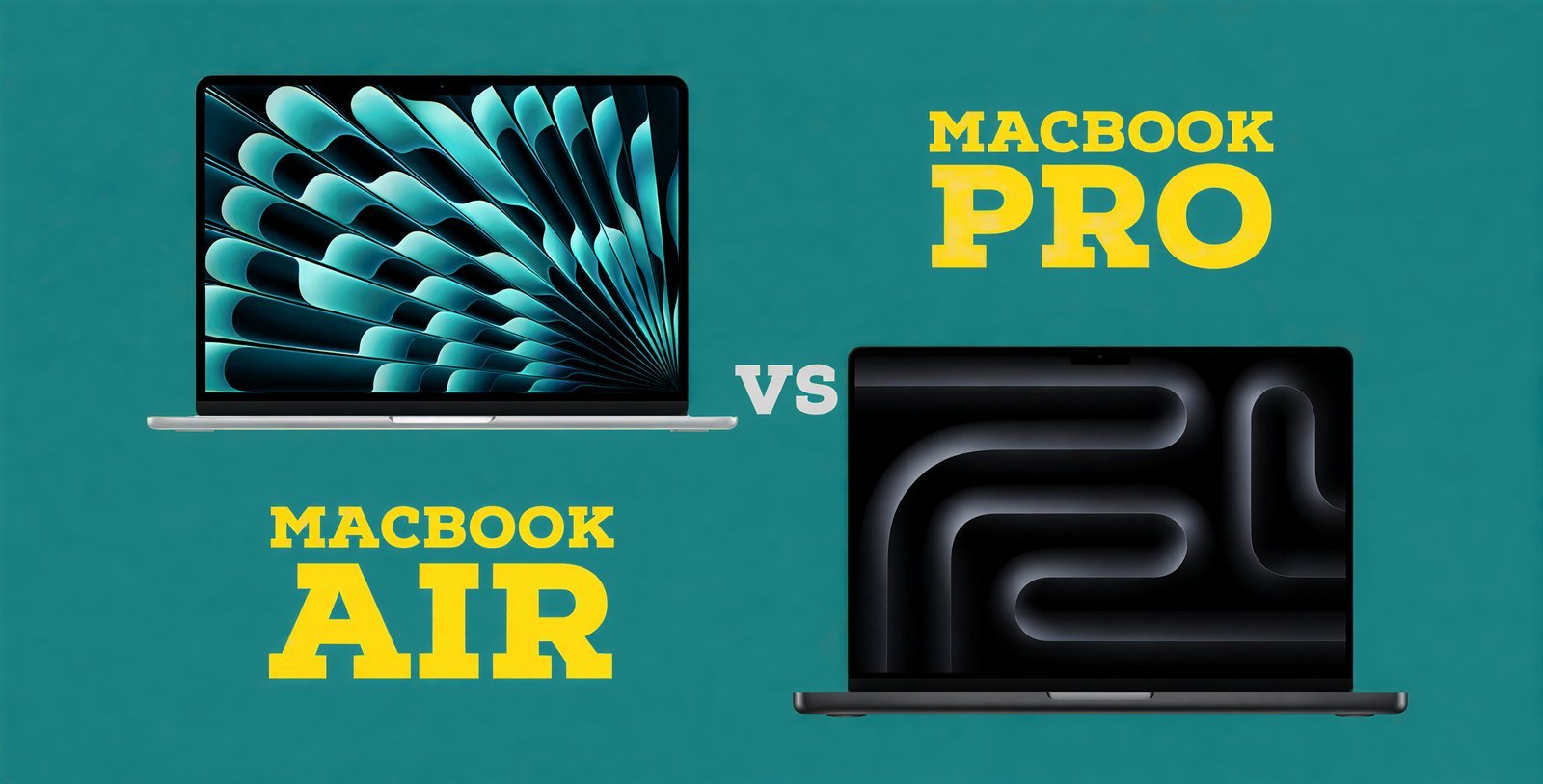
Choosing the right MacBook is not only a choice between an Air and a Pro; it ultimately comes down to how you plan on using your MacBook. The difference in choices can be worlds apart depending on whether you are a student, a business professional, or a creative professional.
No matter whether you are looking at a MacBook Air or a MacBook Pro, Apple has created a great line of products in the MacBook line for 2026 that is in tune with the level of performance you need. So when choosing a MacBook at Fone4U, we always recommend matching your MacBook to your daily workload.
Let's find out exactly what you will use your MacBook for and make an informed decision.
2026 MacBook Lineup Overview
| Model | Screen Size | Chip Options | Best For |
|---|---|---|---|
| MacBook Air (M2) | 13.6-inch | M2 | Students, office work, light creative tasks |
| MacBook Air (M3) | 13.6-inch / 15.3-inch | M3 | Business users, light video & photo editing |
| MacBook Pro 14-inch (M3 series) | 14.2-inch | M3, M3 Pro, M3 Max | Creative professionals, heavy workflows |
| MacBook Pro 16-inch (M3 series) | 16.2-inch | M3 Pro, M3 Max | Advanced editing, 3D rendering, AI workloads |
MacBook Air: Lightweight Performance for Everyday Power
- ✔ The MacBook Air is designed for mobility and efficiency. The thin and lightweight design of the MacBook Air enables users to take their MacBook Air with them wherever they go. The Apple M2 and M3 processors deliver outstanding performance for most generic productivity tasks such as web surfing, Microsoft Office, development/coding, development of presentations, and photo and video editing.
- ✔ The Apple MacBook Air is a fanless notebook computer; therefore, it does not produce any noise when in use and would be a great choice for classrooms, offices, or home offices. Battery life on the MacBook Air is rated for up to 18 hours of use, enabling you to have full use of your MacBook Air all day without needing to charge. If you're someone that wants a larger screen but doesn't necessarily want to step up to a MacBook Pro, the newer 15.3-inch MacBook Air is also available with a 15-inch display.
Overall, the MacBook Air provides exceptional value for day-to-day light and moderate efficiency while enabling strong performance characteristics and long-term durability.
MacBook Pro 14-inch: Compact Yet Extremely Powerful
- ✔ The 14-inch MacBook Pro provides a tremendous performance enhancement over previous generations for professionals utilizing high-demand applications. The 14-inch MacBook Pro can be equipped with M3, M3 Pro, or M3 Max processors, and it has active cooling, meaning that it can generate sustained maximum performance while doing long rendering sessions or performing heavy multitasking operations.
- ✔ This model has a great display; it's called Liquid Retina XDR with a 120Hz ProMotion refresh rate. It provides exceptional brightness, color accuracy, and smooth video playback; video editors, graphic designers, and photographers will love this display.
- ✔ There are additional ports on the 14-inch MacBook Pro, such as HDMI, an SD card reader, and multiple Thunderbolt ports; thus, it gives more possibilities for professionals in their workflow.
If one requires high-performance capabilities consistently but wants a more mobile device, this is the machine that you have been looking for.
MacBook Pro 16-inch: Maximum Power and Screen Space
- ✔ For professionals who require workstation-class performance in portable computing devices, the 16-inch MacBook Pro delivers. The 16.2-inch displays offer ample space for multitasking, coding, working on complex projects, and video timeline editing.
- ✔ Equipped with M3 Pro or M3 Max processors, this laptop can handle 8K video editing, 3D modeling, AI programming, and scientific computing with ease. The cutting-edge cooling system allows the computer to run at its optimal level for an extended period of time. Additionally, this computer has the longest battery runtime in its class (up to 22 hours under ideal conditions) of any of Apple's line.
The 16-inch GUI is the ultimate laptop for users who depend on high-quality, professional-level productivity software daily.
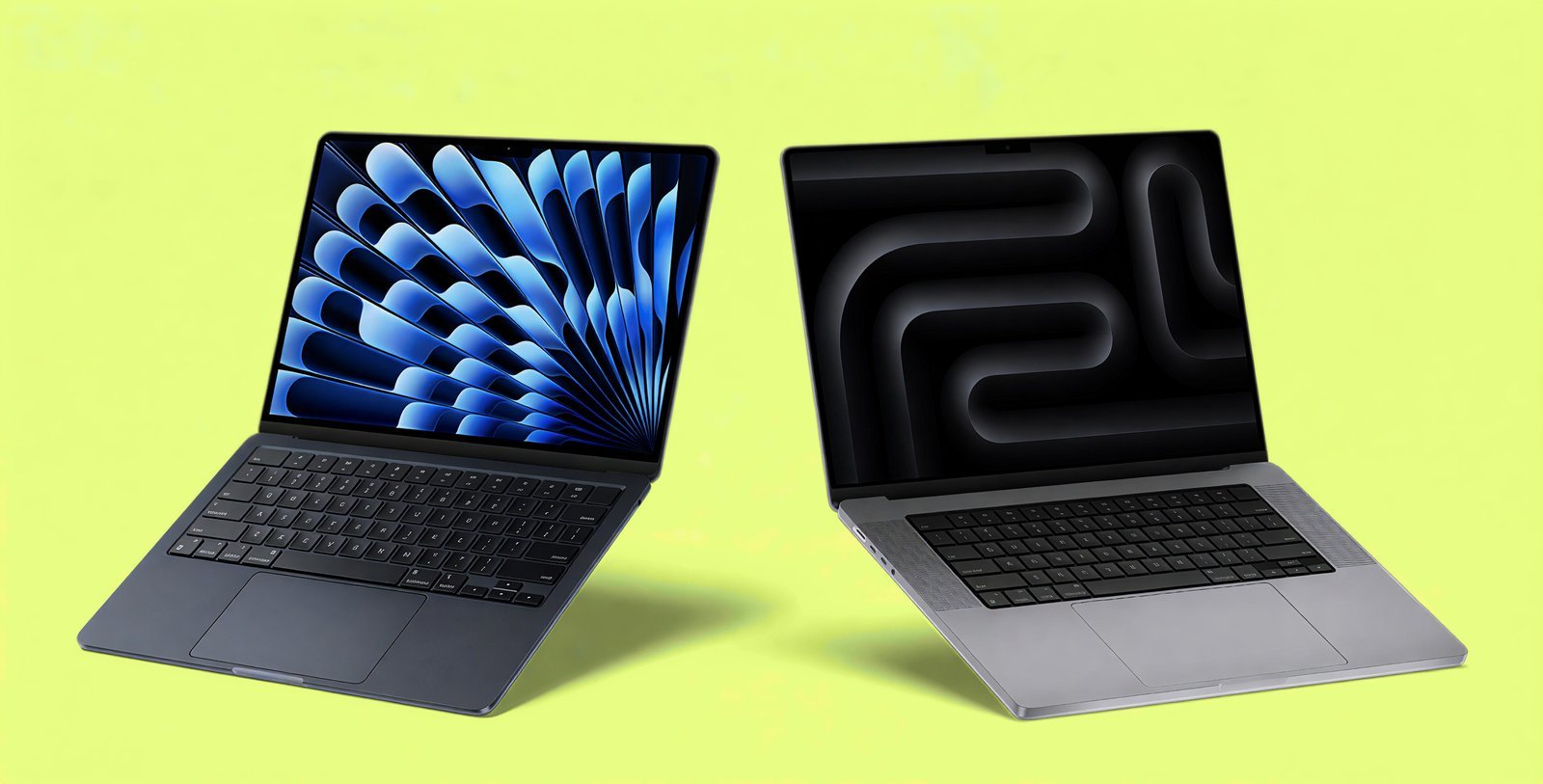
Performance Comparison
| Feature | MacBook Air | MacBook Pro 14" | MacBook Pro 16" |
|---|---|---|---|
| Performance Level | Light to Medium Tasks | Heavy Professional Work | Extreme Professional Work |
| Cooling System | Fanless | Active Cooling | Advanced Active Cooling |
| Display | Liquid Retina (60Hz) | Liquid Retina XDR (120Hz) | Liquid Retina XDR (120Hz) |
| Port Selection | Basic | Expanded | Expanded |
| Portability | Most Portable | Balanced | Larger, Workstation Style |
| Battery Life | Up to 18 Hours | Up to 18 Hours | Up to 22 Hours |
Which MacBook Fits Your Industry?
→ MacBook Air (M2 or M3)
→ MacBook Air 15.3” or MacBook Pro 14”
→ MacBook Pro 14” or 16” (M3 Pro or M3 Max)
→ MacBook Pro 14” (M3 Pro)
→ MacBook Pro 16” (M3 Max)
→ MacBook Air 15.3”
Which MacBook Should You Choose?
The daily tasks you complete via e-mail, documents, presentations, editing, and multitasking can be accomplished easily on MacBook Air. This computer too is very portable and value-oriented yet provides excellent performance.
For people who work in video production, application development, architecture, music production, or handling large-scale creative projects, the MacBook Pro 14 will be able to offer the processing power and display quality required to handle even the most demanding tasks.
If you work with 3D rendering, Artificial Intelligence (AI), Data Science, or editing high-resolution video files, then you would be best served using a MacBook Pro 16 as it gives you the best overall performance available from any apple computer as well as the largest amount of screen real estate available among Apple laptops.
Final Recommendation from Fone4U
Choosing between a MacBook Air and MacBook Pro depends on the level of performance your work requires. Light to moderate tasks such as browsing, office work, learning, or light creative projects prioritize portability and battery efficiency.
Heavy workloads like video editing, 3D graphics, software development, or multitasking demand active cooling, stronger GPUs, and higher memory—all available in the Pro series.
MacBook Air (M3)
Ideal for portability with excellent performance.
MacBook Pro 14-inch (M3 Pro)
Perfect balance of power and portability.
MacBook Pro 16-inch (M3 Max)
Apple’s ultimate workstation laptop.
At Fone4U, we recommend choosing a MacBook that supports both your current needs and future growth. The right device improves productivity, reliability, and long-term performance.